
Now Windows Store for Business is finally available in 21 countries.
If you live in another country that the first 21 – like in Denmark. It is possible to test the Windows Store for Business. There is a work around for creating a test environment with Azure.
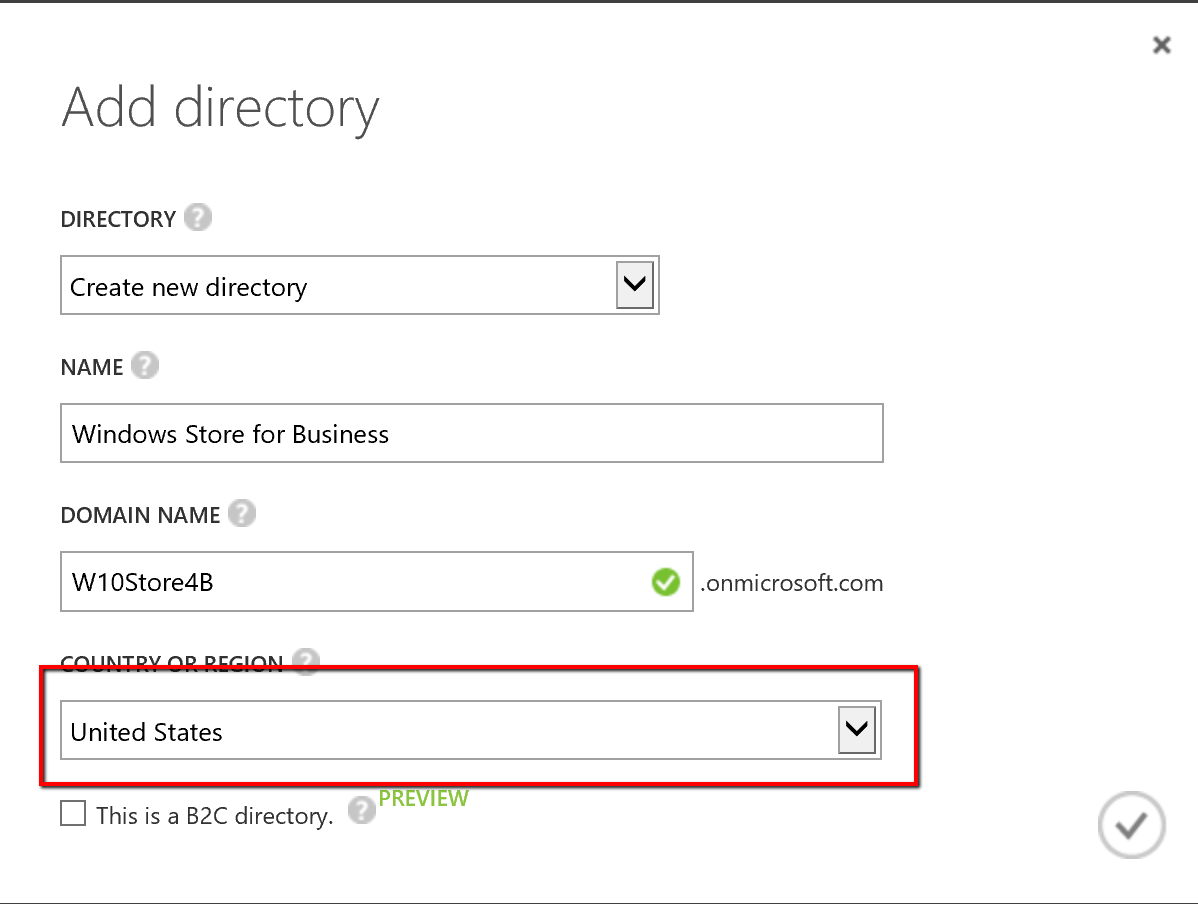
- Create a new Azure AD Domain in the US
Create a user and a Global Admin


- Create a Windows 10 Enterprise in Azure in US
Go into Microsoft Azure Marketplace
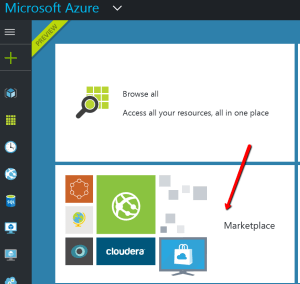
Search for Windows 10 Enterprise

Create a Windows 10 Enterprise
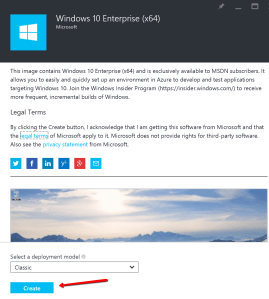
Create the Windows 10 in Central US

Connect to the Virtual Windows 10 in the US

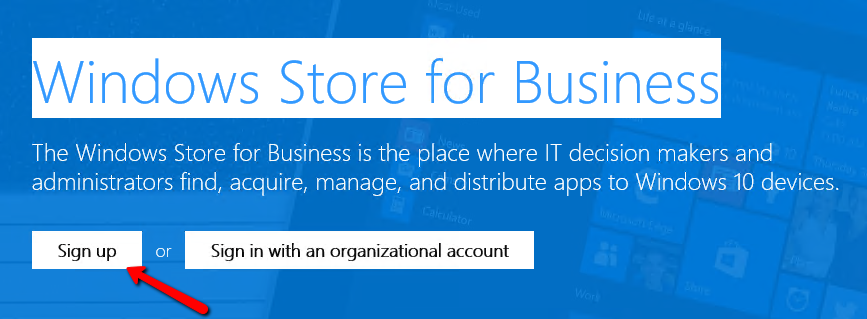
- Sign up for Windows Store for Business at https://www.microsoft.com/en-us/business-store
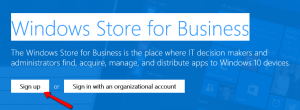
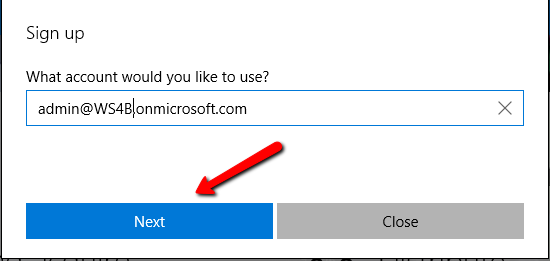
Enter you global admin for your Azure AD

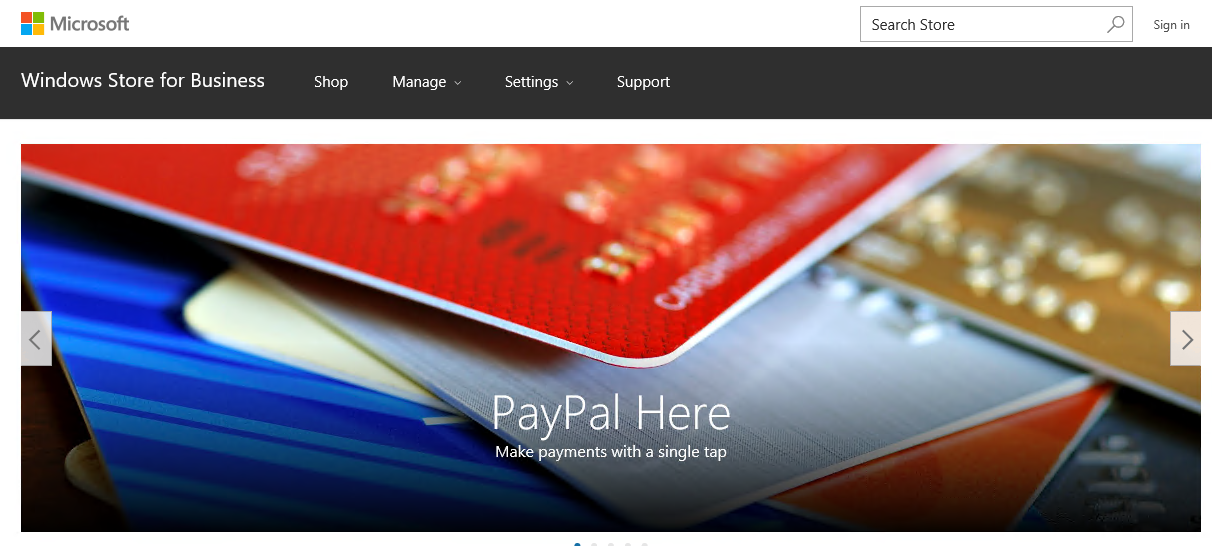
- Start Shoping for Apps to your users

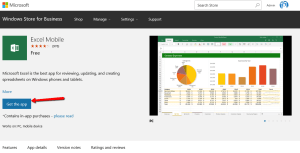
Find excel Mobile
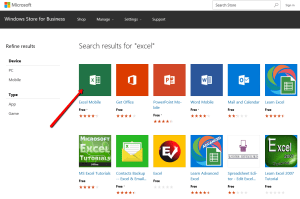
Get the App
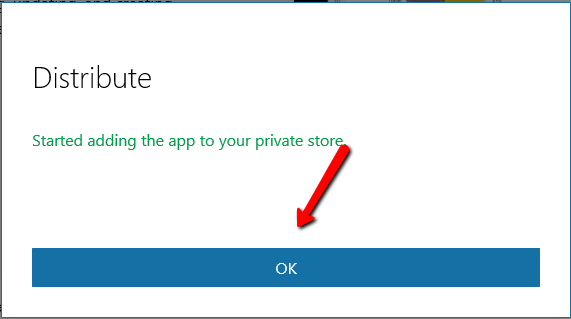
Distribute the App
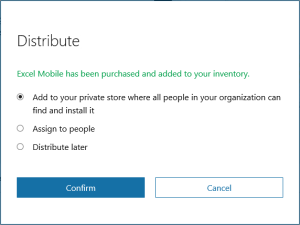
Then the app getting added to your private store

Under inventory you can see your Apps

- Your user can also request access for the Windows Store for Business
https://www.microsoft.com/en-us/business-store
Sign in and request access
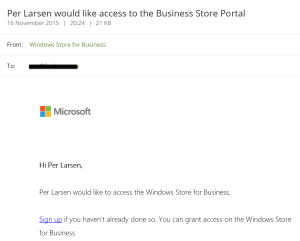
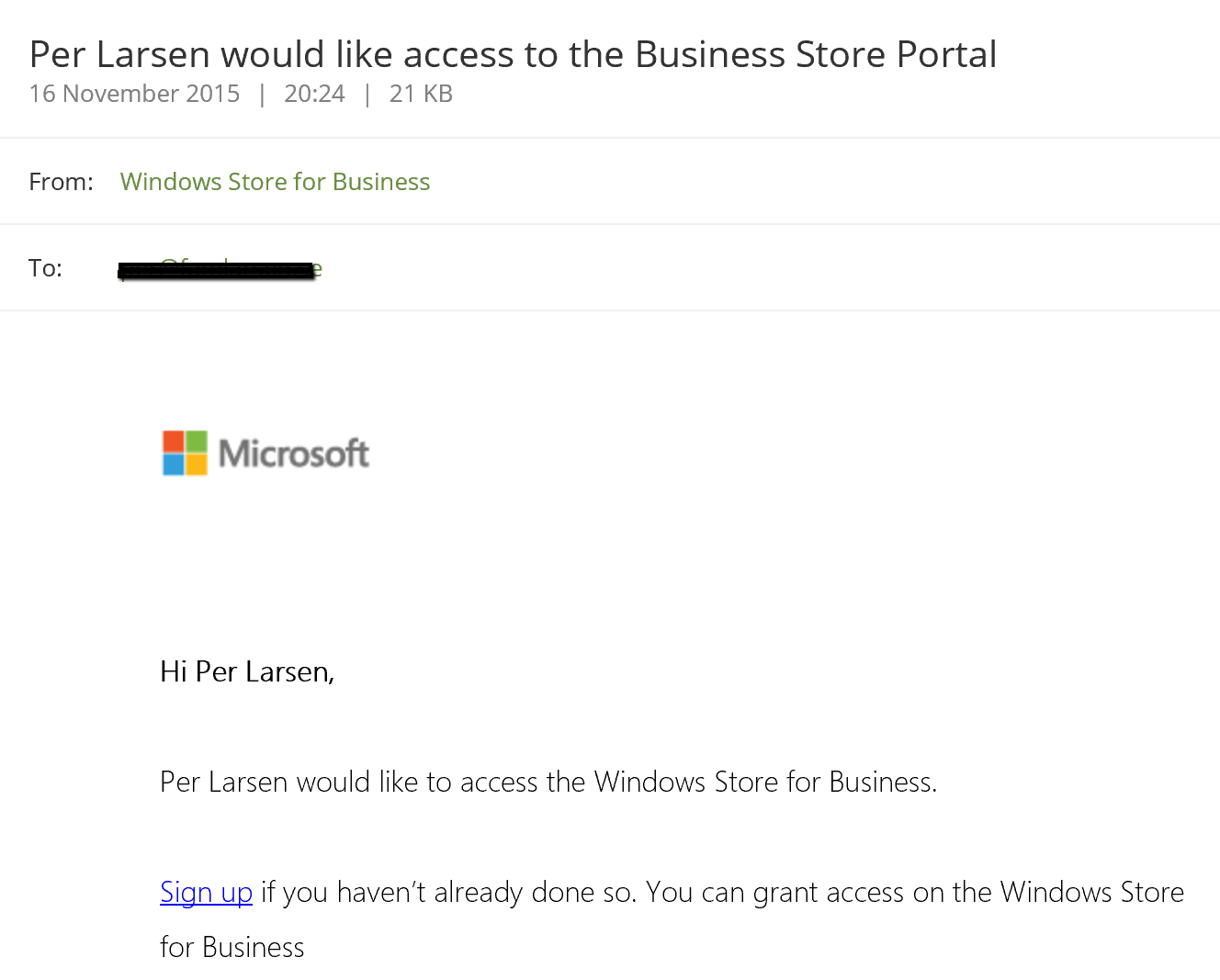
There is a mail about the request sent to the global Administrator







When I have had some more time investigation the Windows Store for Business I will create a new blog post

 Cloud First