
I have being playing round with Printix – a cloud print service that’s is 100% integrated with AzureAD and the idea of a solutions with Windows 10 in a cloud environment is getting closer every day.
When we fist have AzureAD user login setup with Printix – see my blogpost
Then we have to deploy the Printix client – this is where Intune is the natural choice so that the user don’t have to download and install the printix client manual.
First you have to download the MSI installer of the client from : https://osddeployment.printix.net/admin/#/customize

When the MSI file is downloaded go into the Intune portal and applications
select Add App

Click Run

Login with your Intune admin account
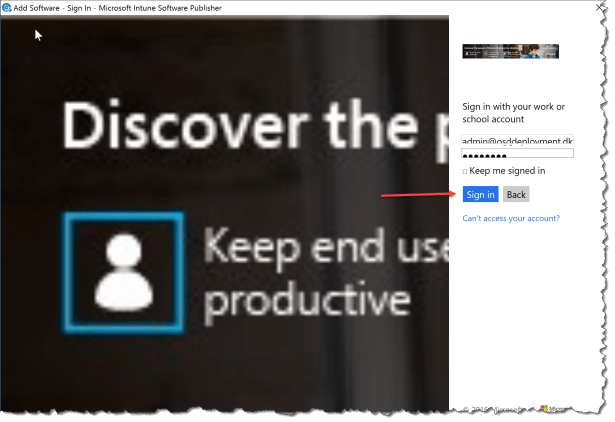
Select Next

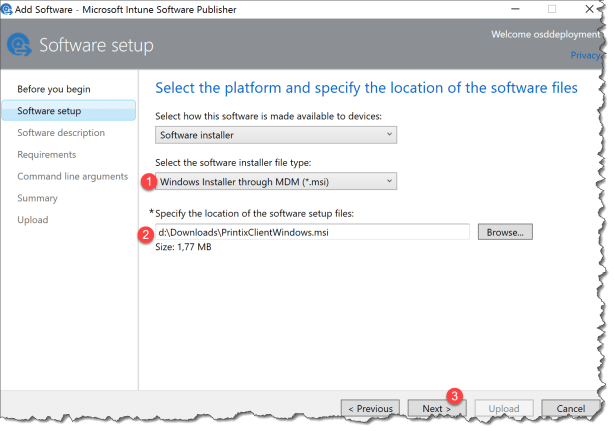
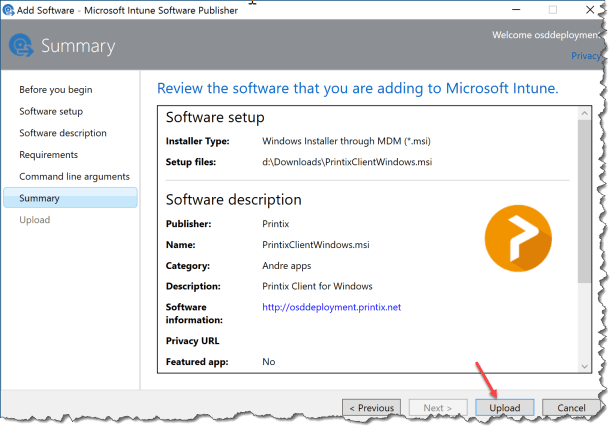
- Select “Windows Installer through MDM (*.msi)
- Browse to the previous downloaded PrintixClientWindows.msi
- Click Next
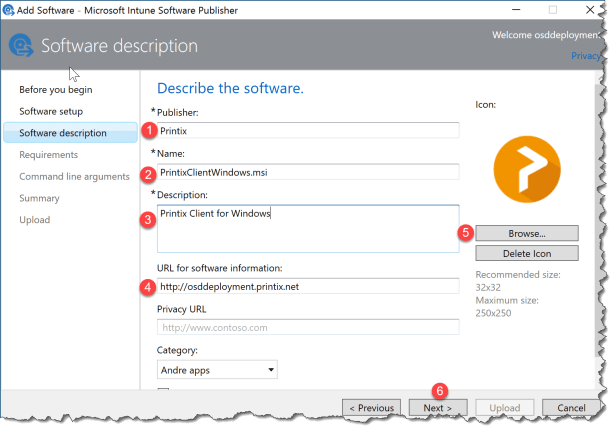
- Publisher: Enter Printix
- Name: Enter PrintixClientWindows.msi
- Discription : Enter a description
- URL: Enter the printix tenant URL
- Browse for a Icon
- Click Next
Click Next

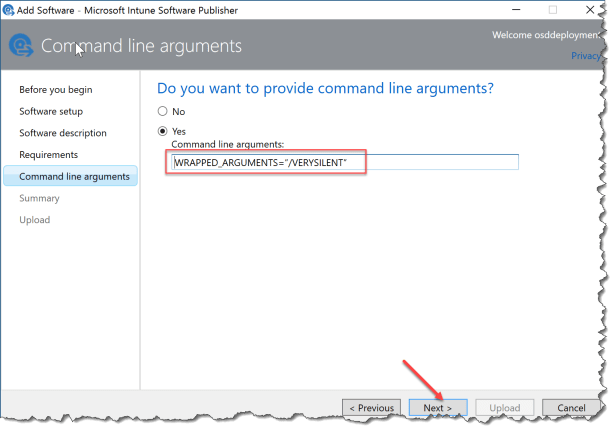
Select Yes
use the Command line arguments: WRAPPED_ARGUMENTS=”/VERYSILENT”
Click Next
Click Upload
Click Close
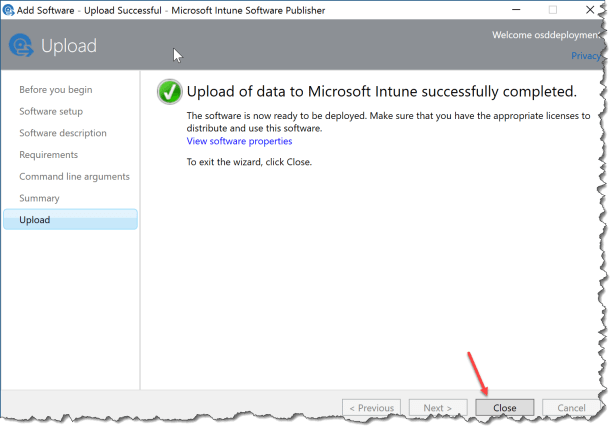
Now you just have to deploy the Application to the users that needs the Printix client.

 Cloud First